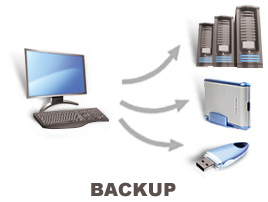
There are different ways through which you can back up your
computer data and they all have their advantages and disadvantages. The safest
ways to back up your data are through hard drives, DVD or flash drives and
cloud storage.
1. Back Up Using Hard Drives
There are different shapes and sizes of external USB hard
drives available in the market, some of them require power source from the
mains while most take power from the USB port. Using hard drive to back up data
is the easiest and cheapest method of backing up data. All you have to do is
just copy and paste your data from the internal hard drive inside the laptop to
the external hard drive connected to the laptop through the USB port.
Using hard drive to back up data is not 100% fool proof, it
is still vulnerable to theft, damage and data corruption. Apart from the copy
and paste method of backing up data to hard drives, the more efficient method
is to make use of Windows inbuilt back up utility. To use this, just press the
Windows key on your keyboard and type back up, if you are using Windows 7,
click click the Back up and Restore link that appears.